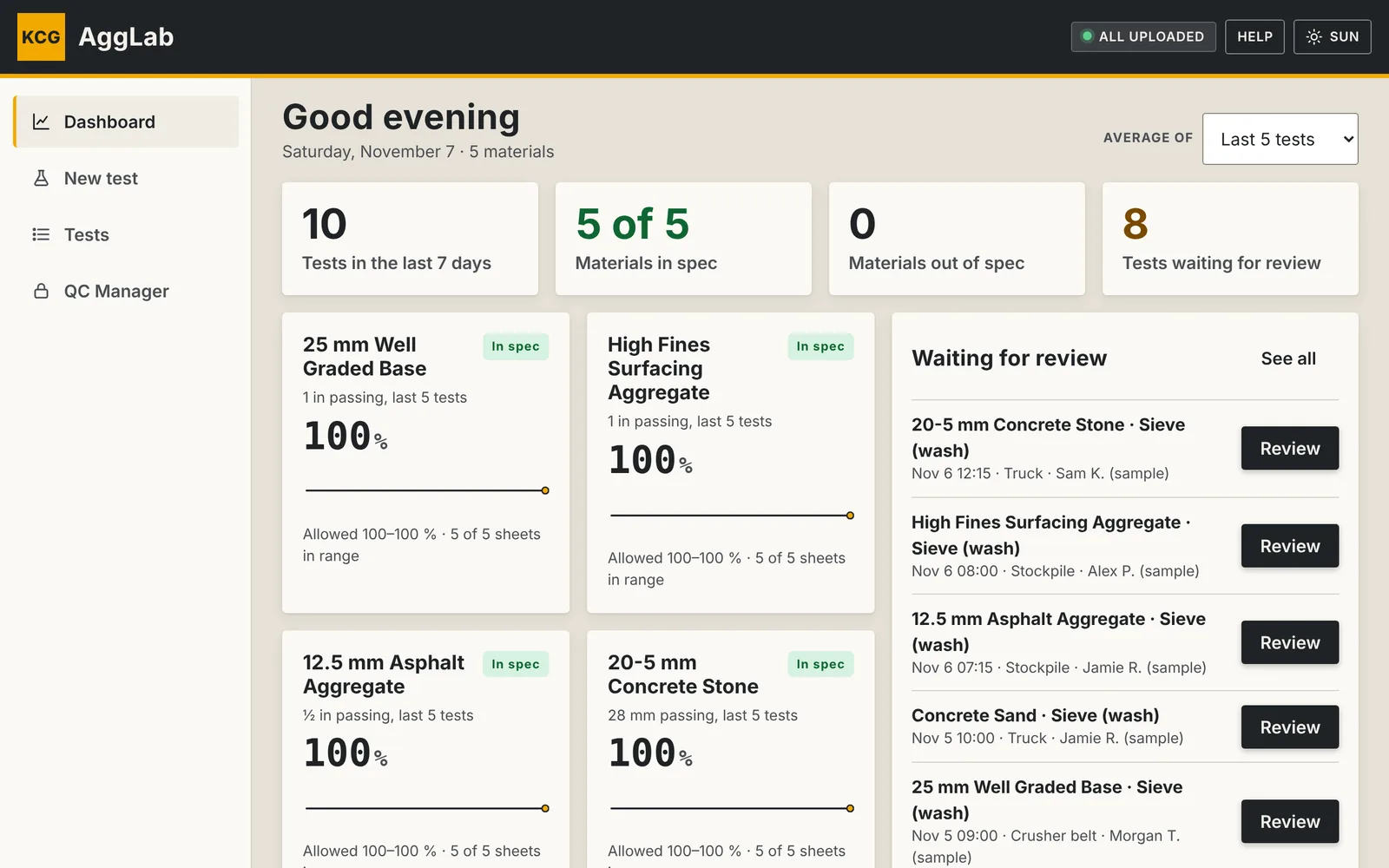
Sieve analysis, graded live
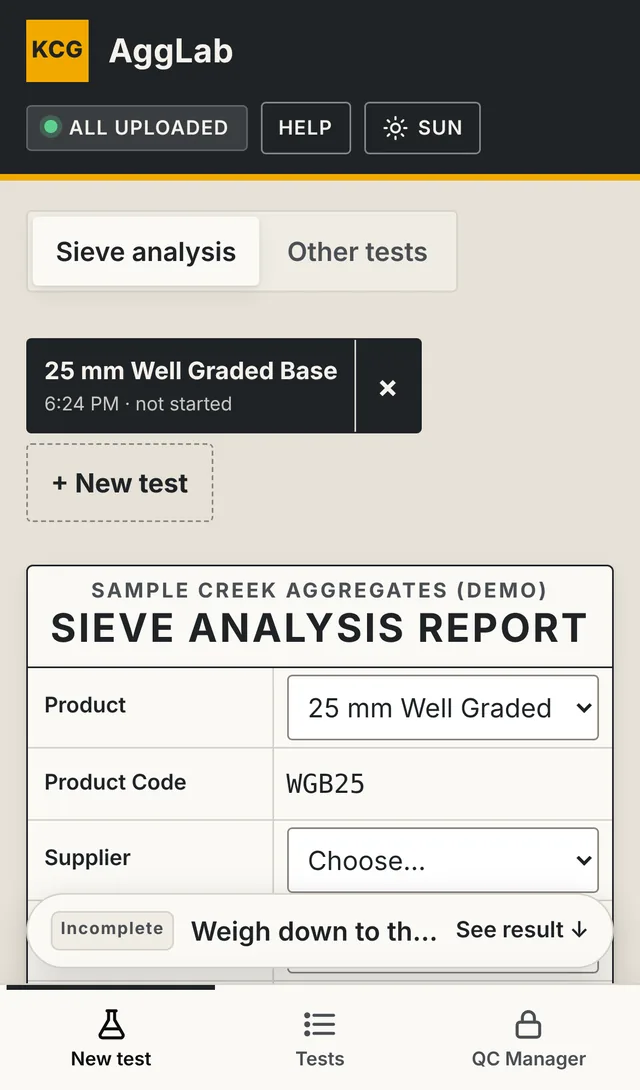
Type the weights retained and every sieve is worked out and checked against the spec as you go: pass, close or out.
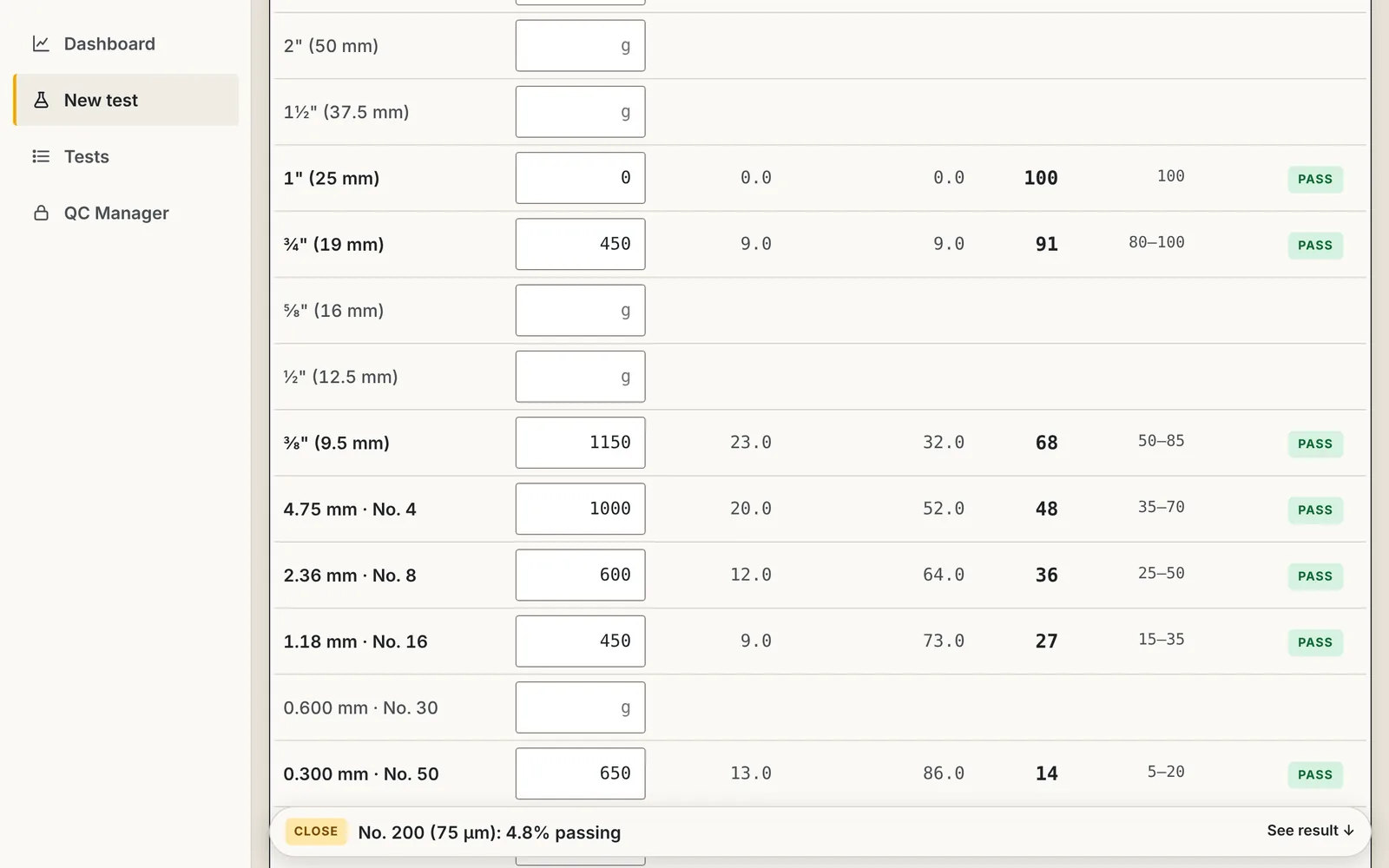
Every other test too
Fractured faces, Atterberg limits, sand equivalent, Micro-Deval and LA abrasion, flat and elongated particles, specific gravity, moisture and more, with the math done for you.
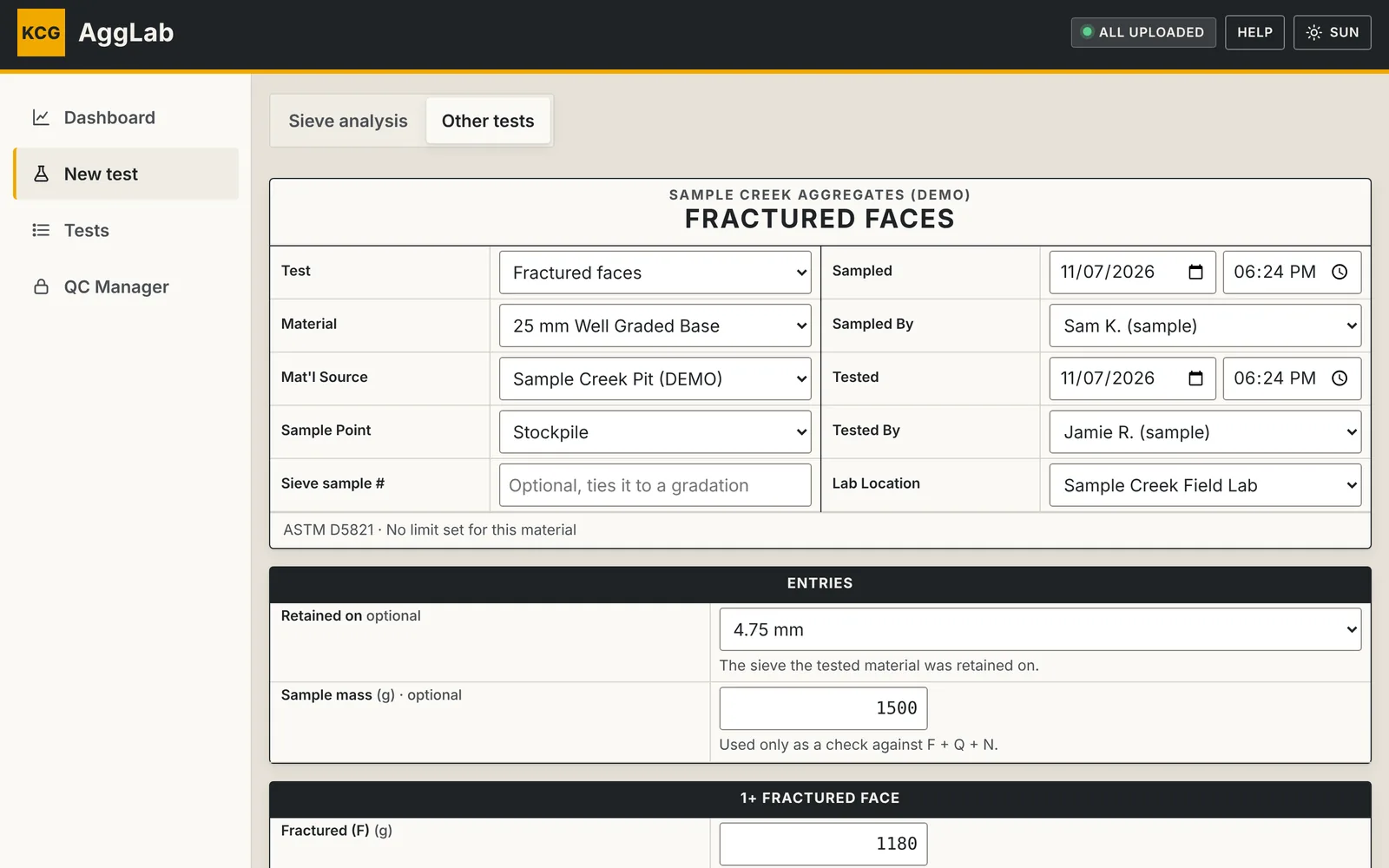
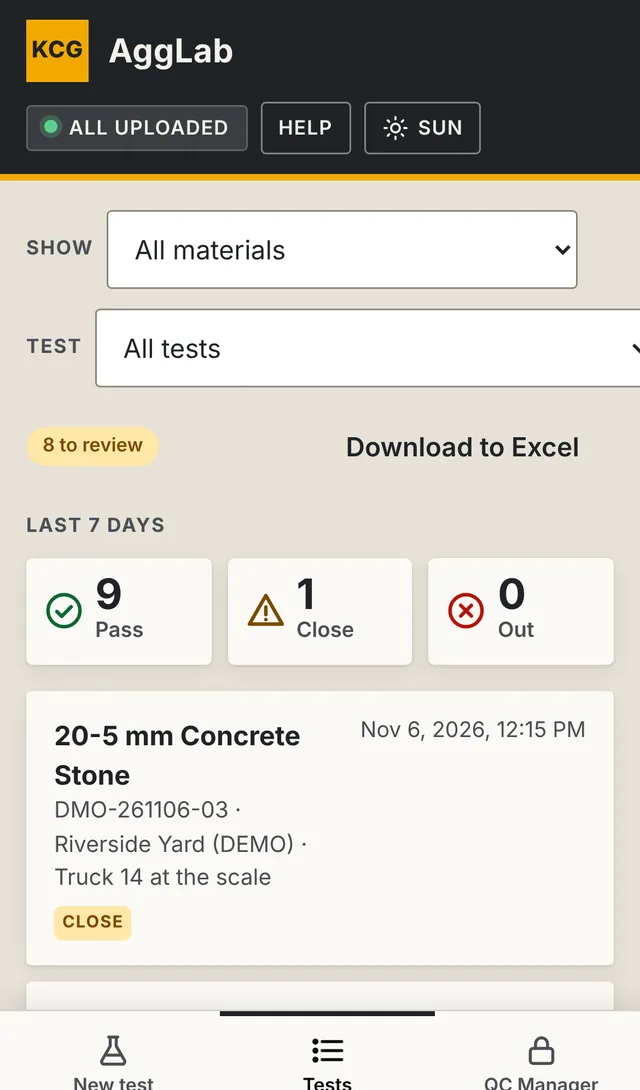
All your tests in one list
Pass, close and out at a glance for the last 7 days. Filter by material or test, and download to Excel.
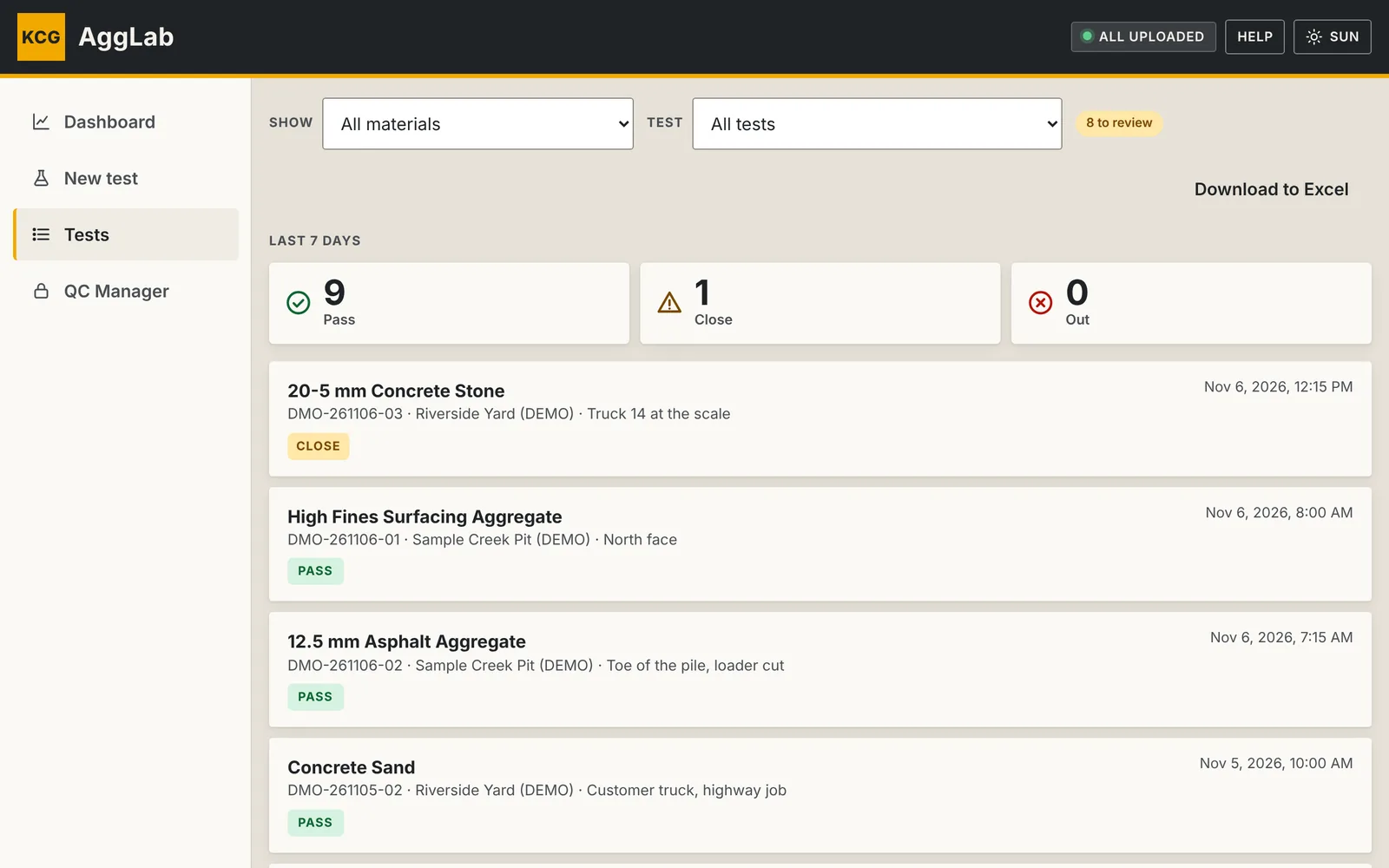
One test, start to finish
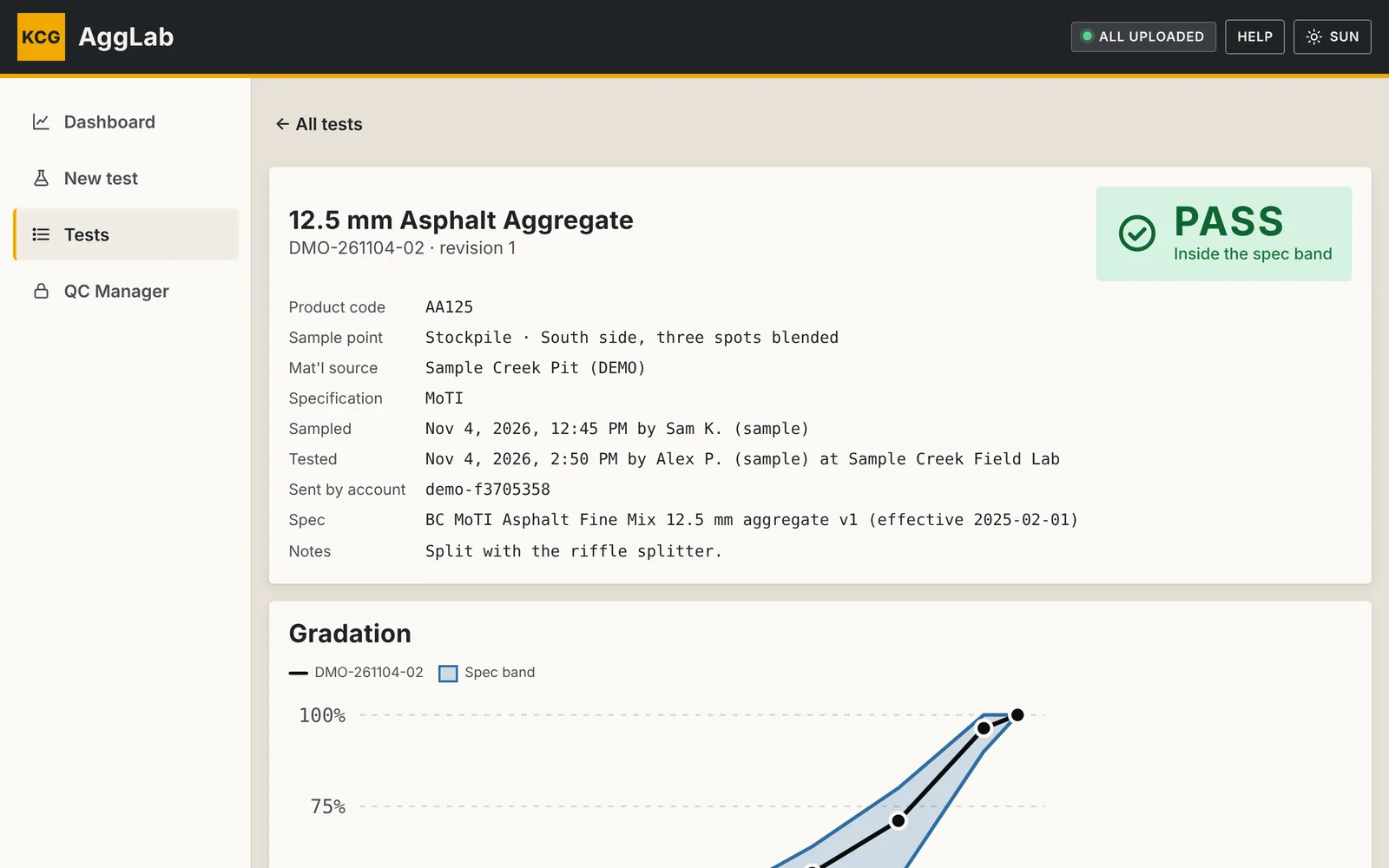
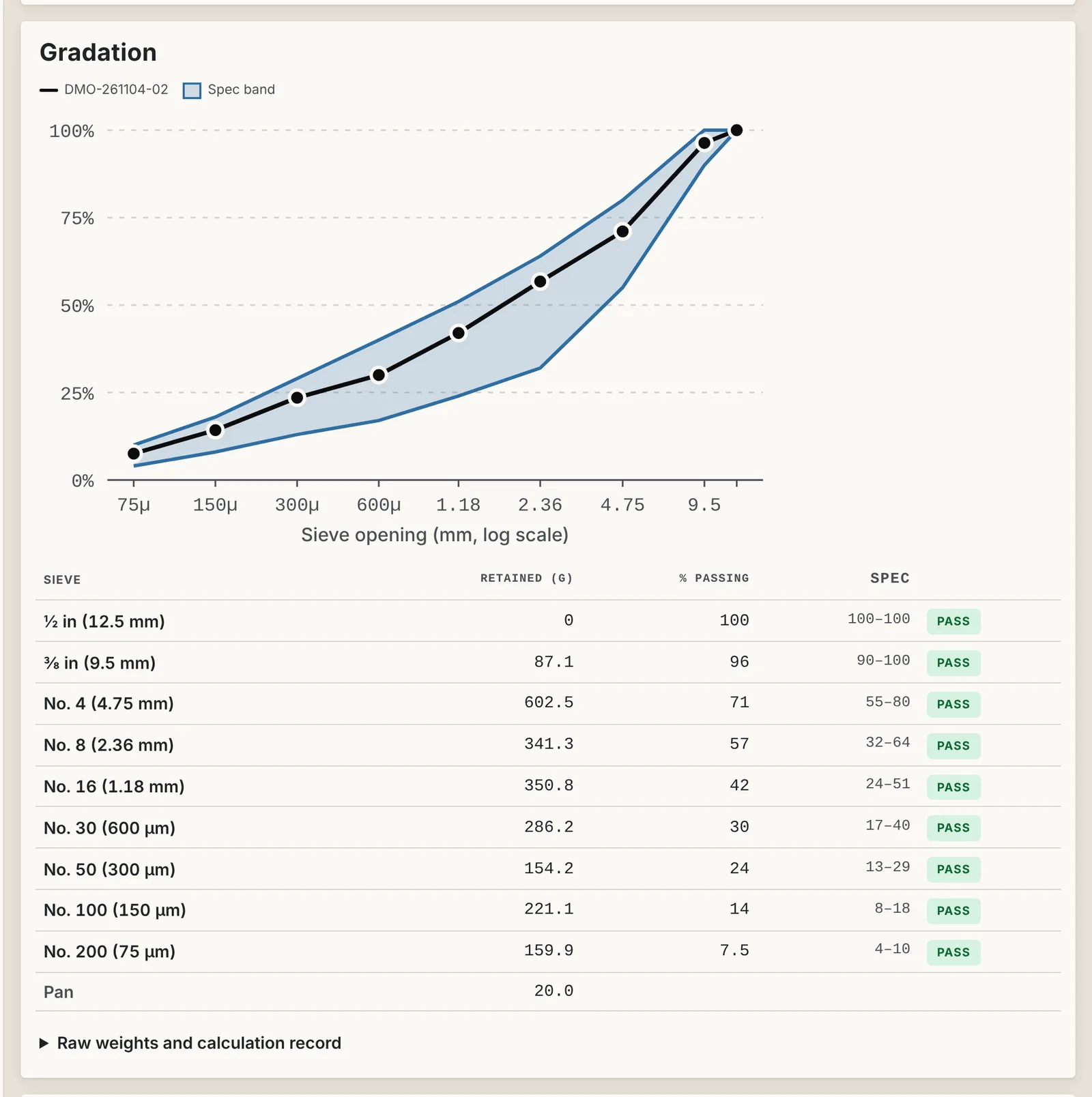
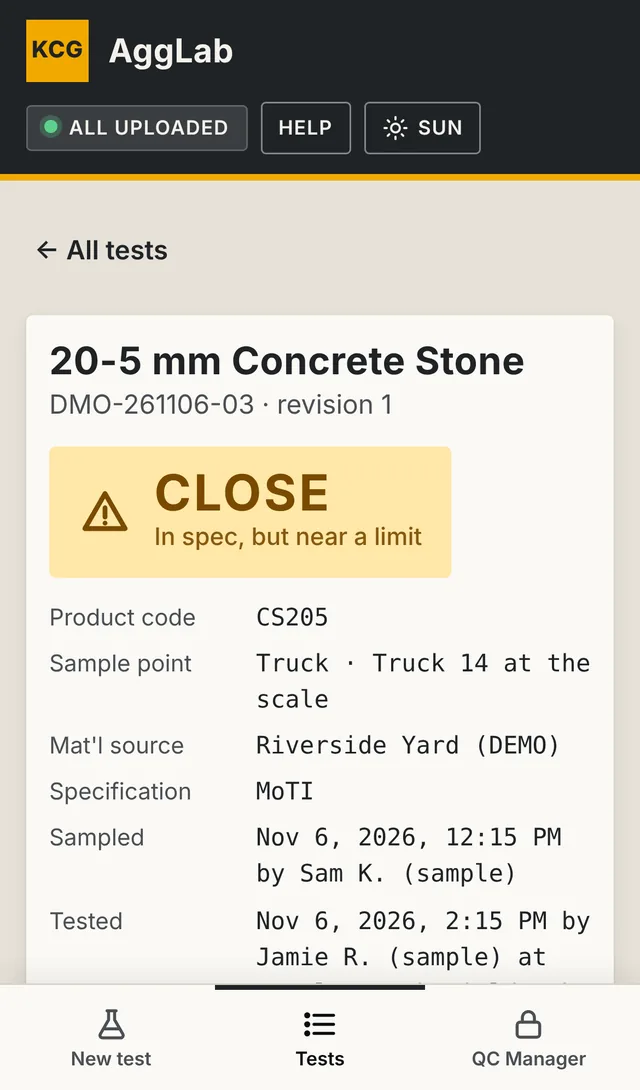
Every detail of the sample, the result, and the gradation chart against the spec band. Save it as a PDF lab report.
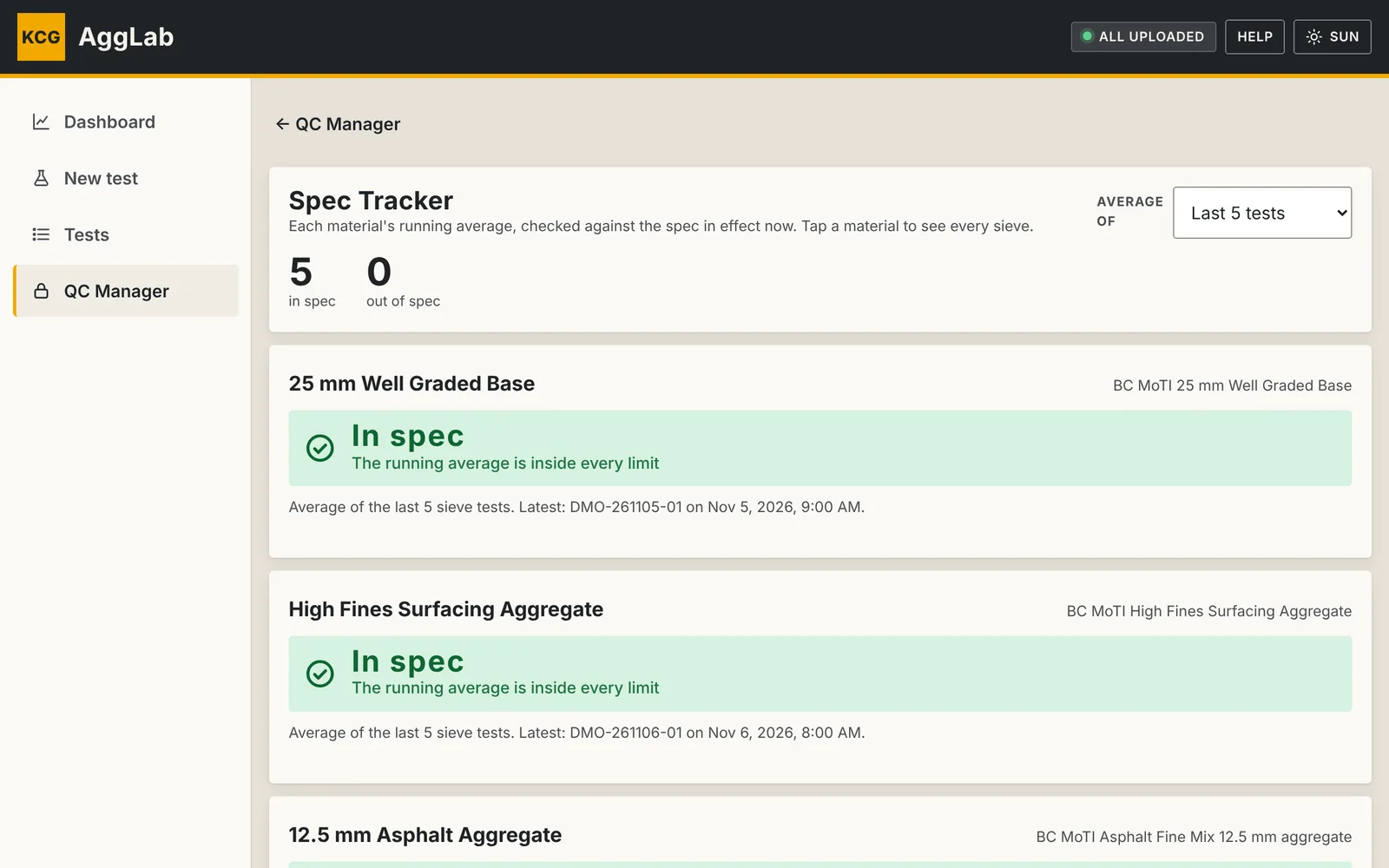
Spec Tracker
Each material's running average, checked against the spec in effect now, so you know where every product stands.
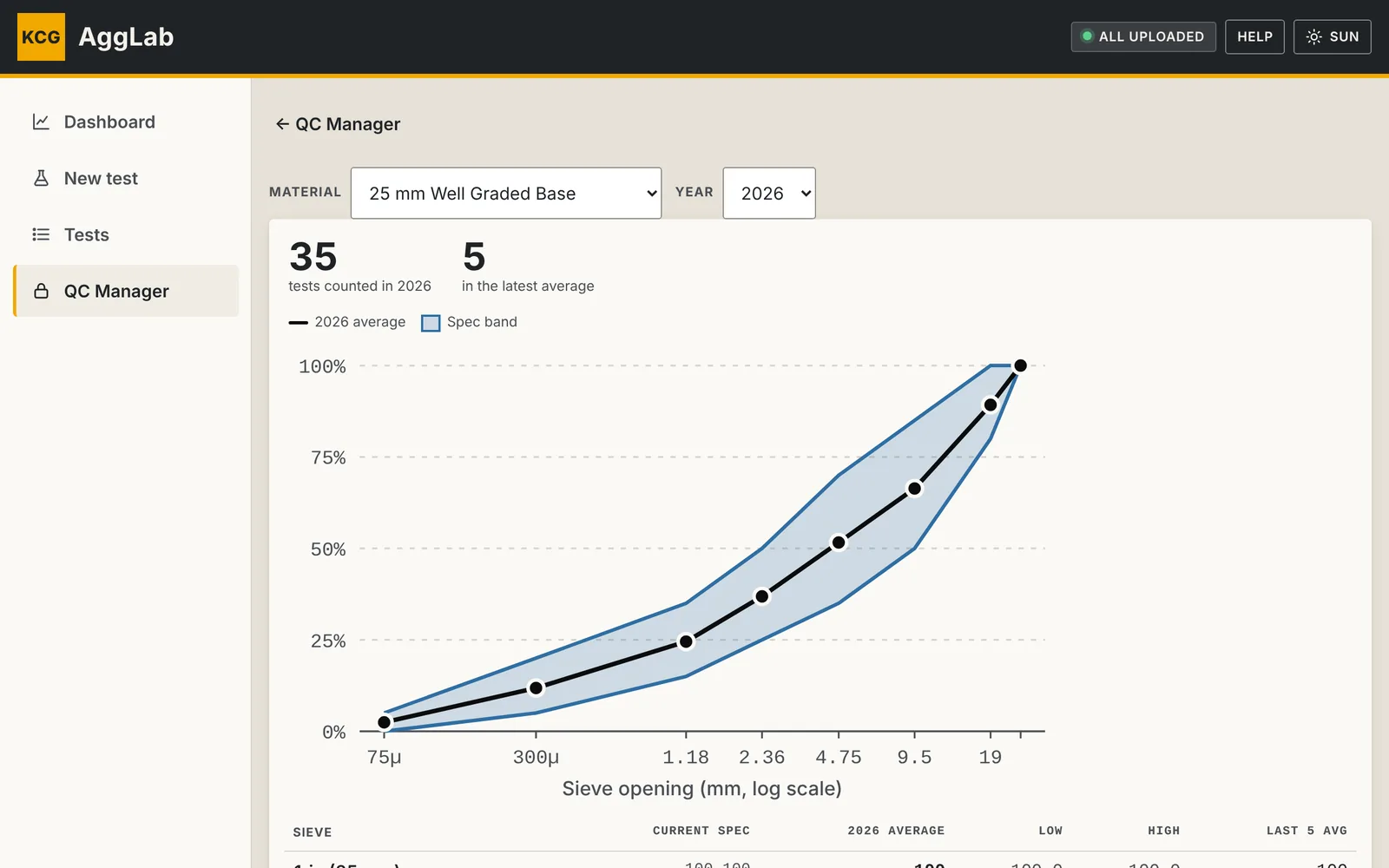
Running averages
The year's average gradation graphed against the spec band, sieve by sieve.
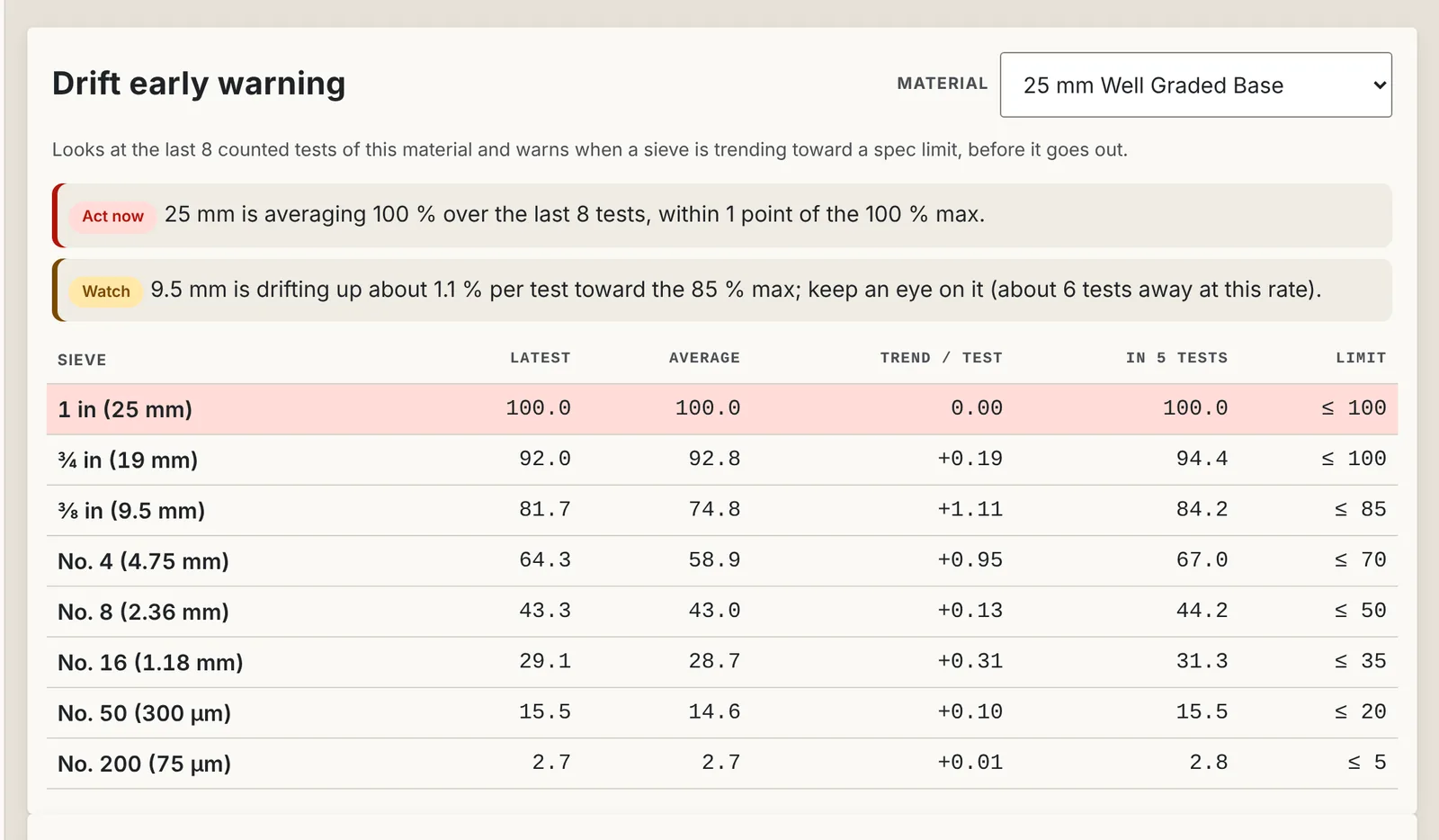
Drift early warning
Looks at the last tests of each material and warns when a sieve is trending toward a limit, before it goes out.
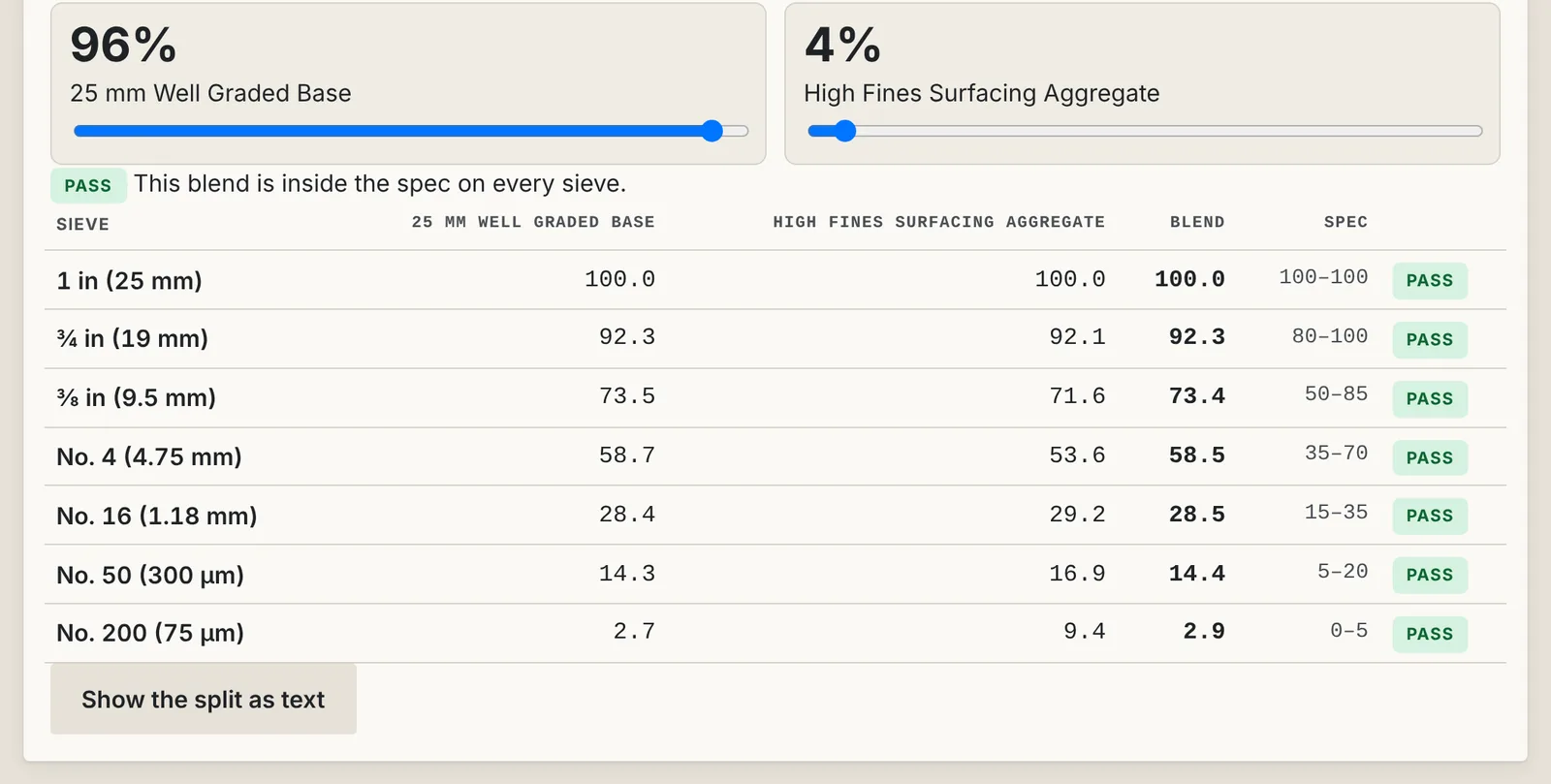
Blend calculator
Mix 2 or 3 stockpiles to hit a spec. It finds the split that sits most centrally in the band.
Made for the phone in your pocket
The same app on a phone, right where the work happens.
Want to try it with your own crew?
Email us and we will get you set up.
Every screenshot on this page uses made-up sample data.